Lessons · 108 Making it sound yours
108 Making it sound yours
Change an instrument's sound, mix it, set the effects and move the key.
Picks up where 107 left off, with Polly stopped in Notes, Funk as the style and Groove A yours.
1. Open the Sound pagePress HOME for the Home page, then PLAY. Press EDIT for the Sound page. It opens on BA, which you picked in 107.Turn ALGORITHM one step to C1. In Funk, C1 plays a clavinet. | 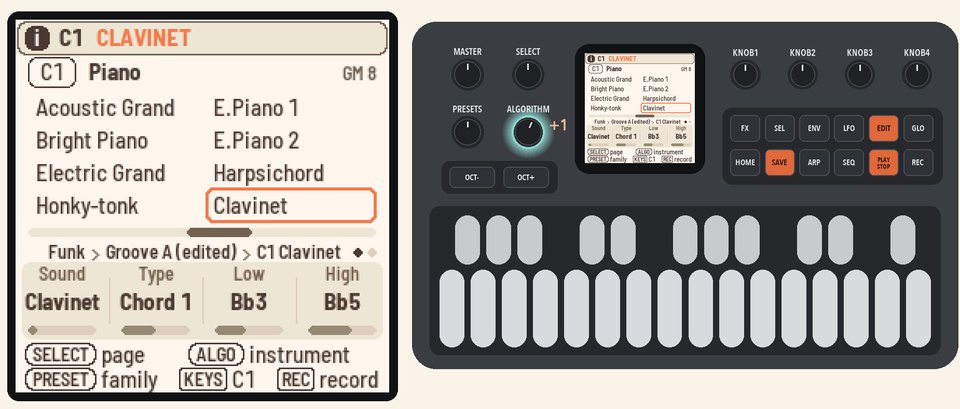 |
2. Pick a soundTurn KNOB 1 (Sound) up to Rock Organ. The clavinet part now plays on an organ.The line above the knobs says Groove A (edited). Your note edits in 107 made an edited copy of the groove, so the new sound goes into that copy. | 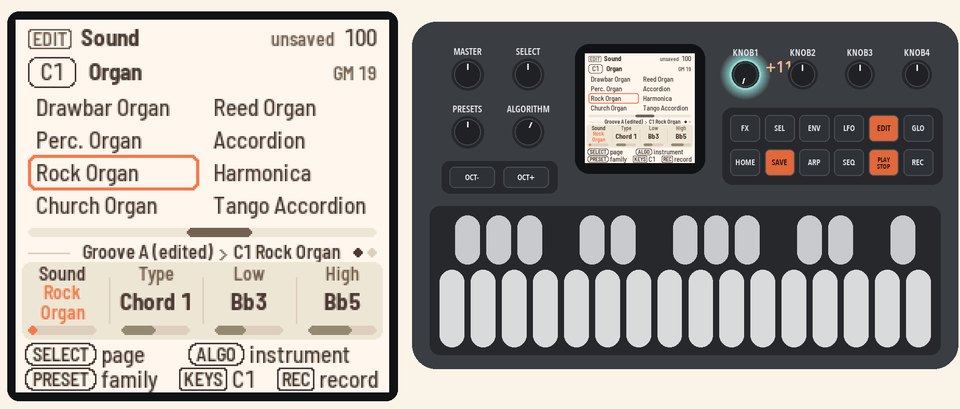 |
3. Mix itPress LFO to open the Mixer on C1. Turn KNOB 1 (Volume) to 100, and KNOB 2 (Pan) to R10. | 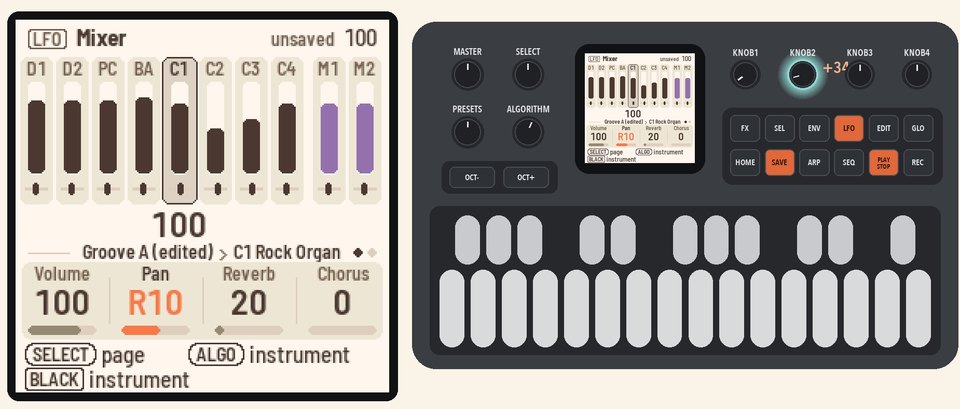 |
4. Add spaceTurn KNOB 3 (Reverb) to 70 and KNOB 4 (Chorus) to 40. These set how much of C1 goes to the reverb and the chorus. | 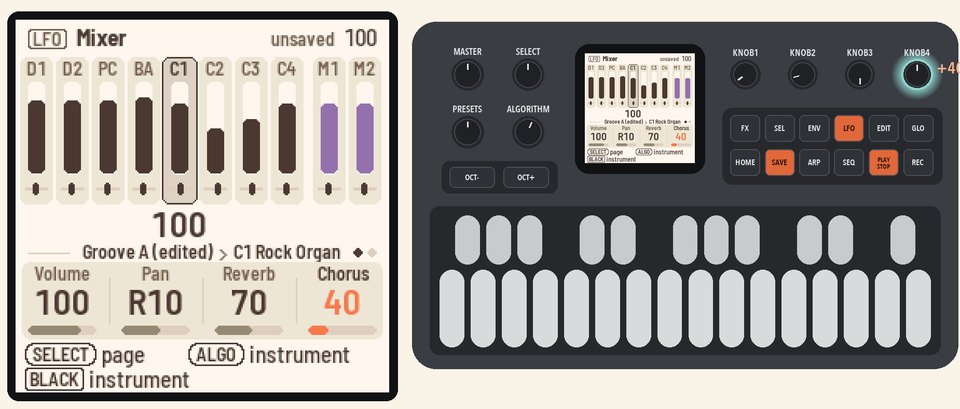 |
5. Set the effectsPress FX for the Effects page. Turn KNOB 1 (Reverb) to L.hall for a large hall, and KNOB 2 (Level) to 80.The bars show how much each instrument sends to the effects. | 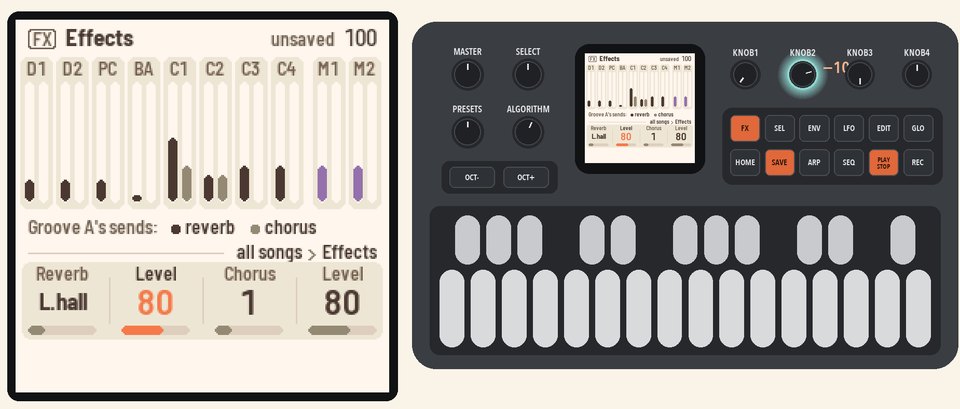 |
6. Move the keyPress HOME for the Home page, then turn KNOB 3 (Transpose) to D. Play a C chord, and the band plays D.Press PLAY to stop. | 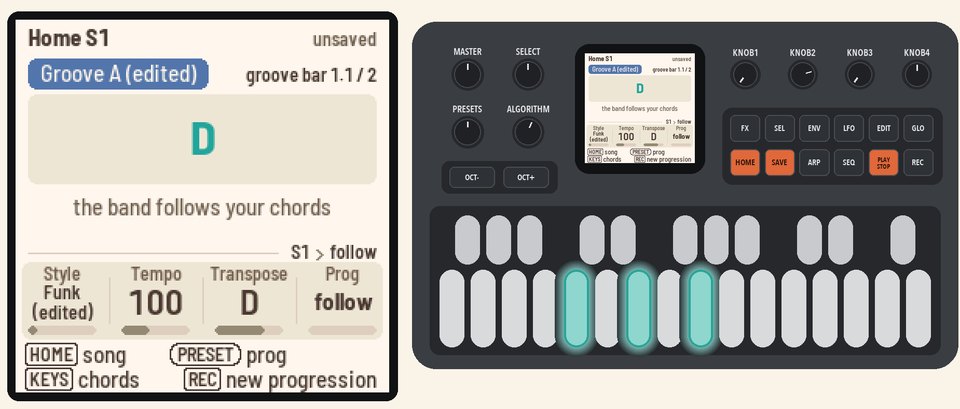 |
More in the manual
For Type, Low and High, see Sound (EDIT). For mutes and Mixer tone, see Mixer (LFO). See also Sound, Effects (FX) and Transpose.