Lessons · 104 Changing styles
104 Changing styles
Play your song in another style, and choose its tempo.
Picks up where 103 left off, on page 2 of the Song page with your song of three sections. Any song works.
1. Loop the songOn page 2 of the Song page, turn KNOB 4 (At end) to "again". Press PLAY, and the song plays over and over. | 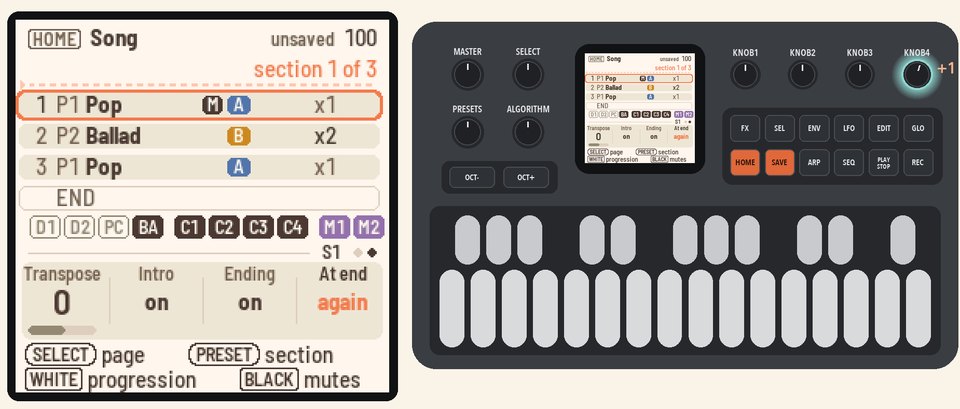 |
2. Change the stylePress HOME for the Home page. Turn KNOB 1 (Style) to Rock.The song keeps its sections and chords, but now it has Rock's band and tempo. | 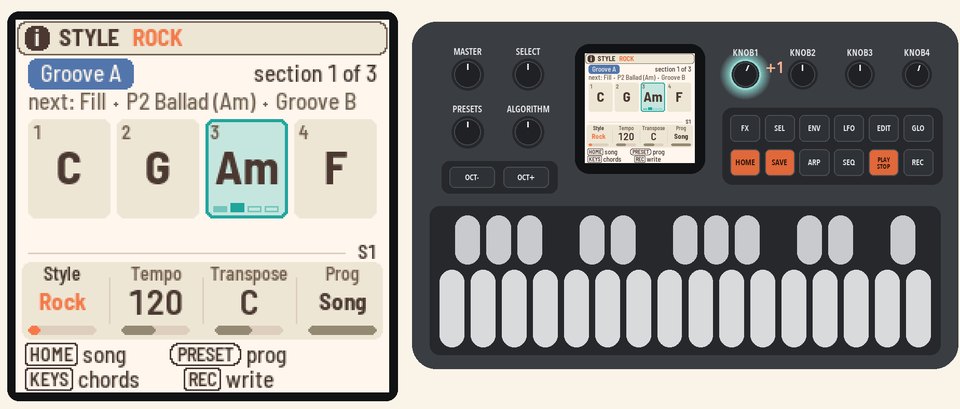 |
3. Set your own tempoTurn KNOB 2 (Tempo) to 90. Turn KNOB 1 (Style) back to Funk.Funk's band comes in, but your tempo stays at 90. | 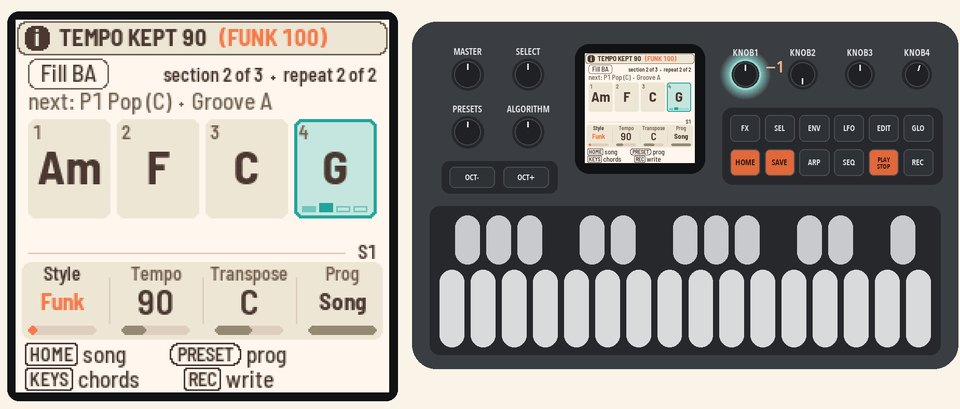 |
4. Use the style's tempoPress SEL, and the list opens on STYLE TEMPO 100. Press SEL again to use it.From now on, each style brings its own tempo again. Turn KNOB 1 to Pop, and the tempo goes to 105. Press PLAY to stop. | 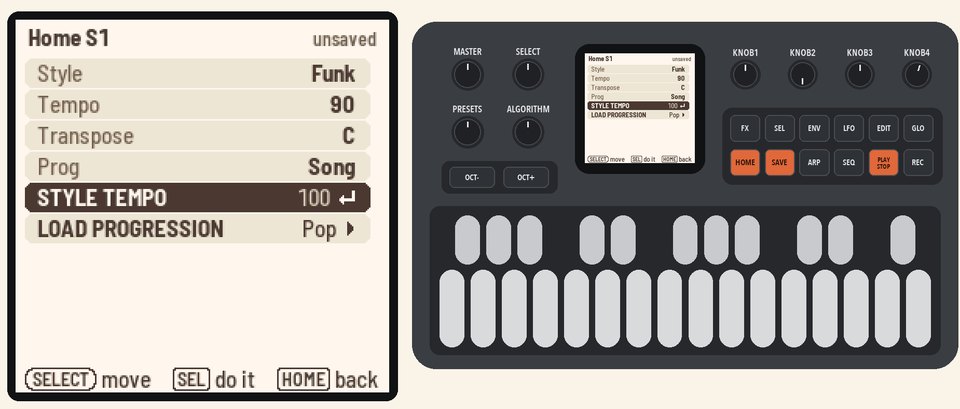 |
More in the manual
For how a style sets the tempo, and what happens to edited grooves, see Picking a style. See also Edited grooves and Tempo.